⇧shift
Convert a copy
Six formats picked for that kind of file. The new file is saved next to the original.
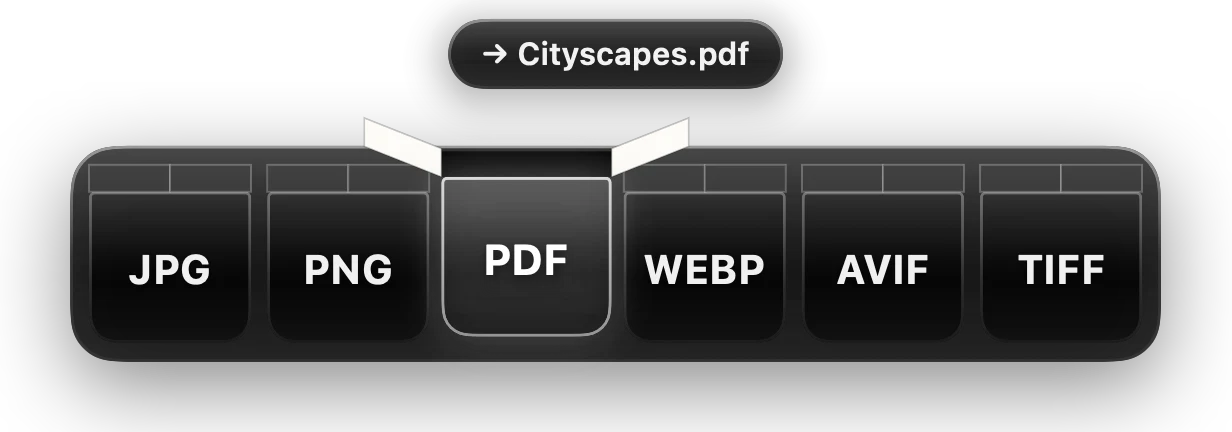
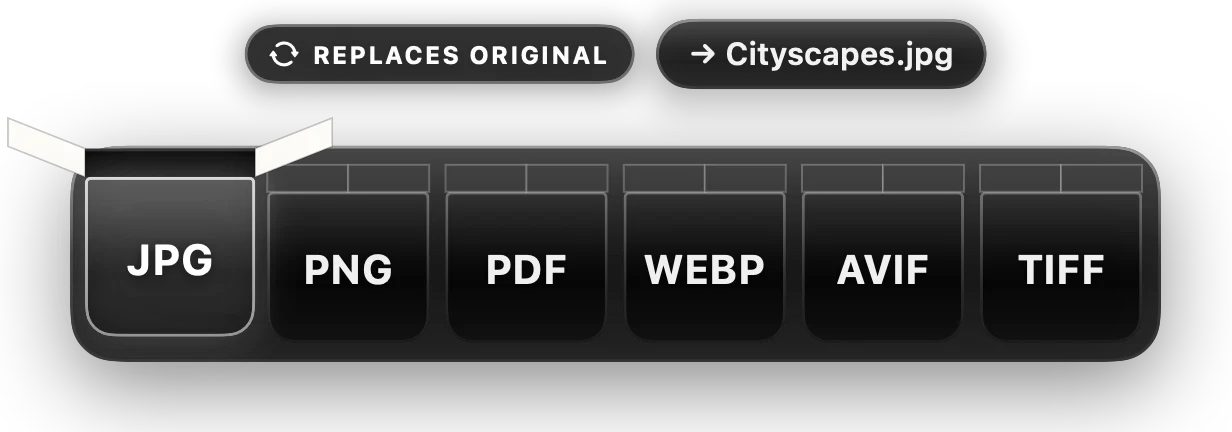
Hold Shift while you drag in Finder. Drop the file into a box, and the converted copy lands beside the original.
Free. Needs a Mac with Apple silicon and macOS 14 or later.
macOS will say Apple could not verify Isomer is free of malware.
That’s because Isomer isn’t notarized by Apple yet, not because anything is wrong.
Isomer was blocked to protect your Mac.Click Open Anyway.
Works with the files already on your Mac
The key you hold while dragging decides what the bar offers.
Six formats picked for that kind of file. The new file is saved next to the original.
Nothing leaves your Mac.
Every conversion runs on your computer. No uploads, no account. If you allow error reports, Isomer sends only what went wrong and your versions, never your files or their names.
The original goes to the Trash only after the new file exists. Put Back restores it.
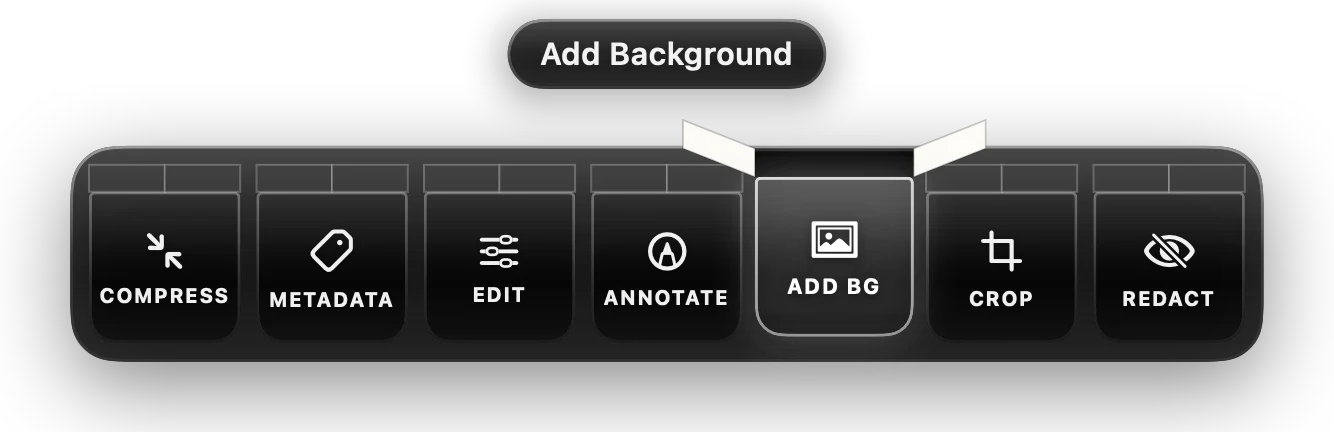
Compress, crop, trim, redact, edit metadata and more, without opening another app.
Isomer waits quietly in your menu bar until you drag a file. While it waits, it uses none of your Mac's processor, so your battery won't notice it's there.

Isomer lives in your menu bar and waits for the next drag.
Free. Needs a Mac with Apple silicon and macOS 14 or later.
Isomer is free. If it saves you time, you can buy me a coffee.
Buy Me a Coffee